






Introduction
Mobile trading has moved far beyond quick price checks. In June 2026, more traders expect their phones to work as compact trading control panels. They want to monitor automated strategies, receive alerts, review bot activity, manage risk settings, and pause trading workflows quickly when market conditions change.
This is one reason AI trading bot apps are getting more attention. Crypto markets still trade around the clock. Stock traders are watching AI-related market momentum, earnings reactions, and fast-moving technical setups. Beginners want simpler dashboards, while more experienced users want automation without giving up control.
But mobile automation also creates a problem: it can make trading feel too easy. A bot can follow rules faster than a human, but it can also repeat a weak rule faster than a human. A useful AI trading bot app should not hide risk behind a simple button. It should help users understand what is running, what settings are active, and how to stop or adjust the workflow when needed.
Before using any automated trading tool, readers should review the SEC warning about AI-related investment fraud and the CFTC reminder that AI trading bots cannot predict the future. These official resources are especially relevant in 2026 because AI-related investment scams, fake trading apps, and unrealistic return claims remain common risks for retail users.
This article focuses on three AI trading bot apps and platforms that fit different mobile trading needs in June 2026:
- BulkQuant for guided AI-assisted multi-market trading workflows
- 3Commas for mobile crypto bot management
- TrendSpider for mobile chart alerts and automated market research
The goal is not to claim that one app is perfect for everyone. The goal is to help mobile users understand which type of trading tool fits their habits, experience level, and risk tolerance.
What Mobile Users Should Expect From an AI Trading Bot App
A good AI trading bot app should not feel like a crowded desktop platform squeezed onto a small screen. Mobile users need clarity, fast access, and control.

For most traders, the most useful mobile features include:
- A clean dashboard showing active strategies or bots
- Push notifications for alerts, fills, or strategy changes
- A fast way to pause or adjust automation
- Clear risk settings before activation
- Activity logs showing what the bot has done
- Secure login and two-factor authentication
- Simple access to markets, balances, and strategy status
The strongest mobile trading tools are not always the ones with the longest feature list. For many users, the better app is the one they can understand quickly, monitor responsibly, and stop when market conditions become uncomfortable.
Quick View: 3 AI Trading Bot Apps for Mobile Users in June 2026
| Platform | Mobile Use Case | Market Focus | Suitable User Type |
| BulkQuant | Monitor AI-assisted trading workflows from a mobile-friendly dashboard | Crypto, forex, stocks | Beginners and multi-market users |
| 3Commas | Manage crypto bots and exchange-connected strategies from mobile | Crypto | Crypto bot users and exchange traders |
| TrendSpider | Receive chart alerts and automate market analysis on mobile | Stocks, ETFs, crypto, forex, futures | Technical traders and market researchers |
1. BulkQuant
BulkQuant is a practical option for mobile users who want AI-assisted trading automation without building a bot manually.
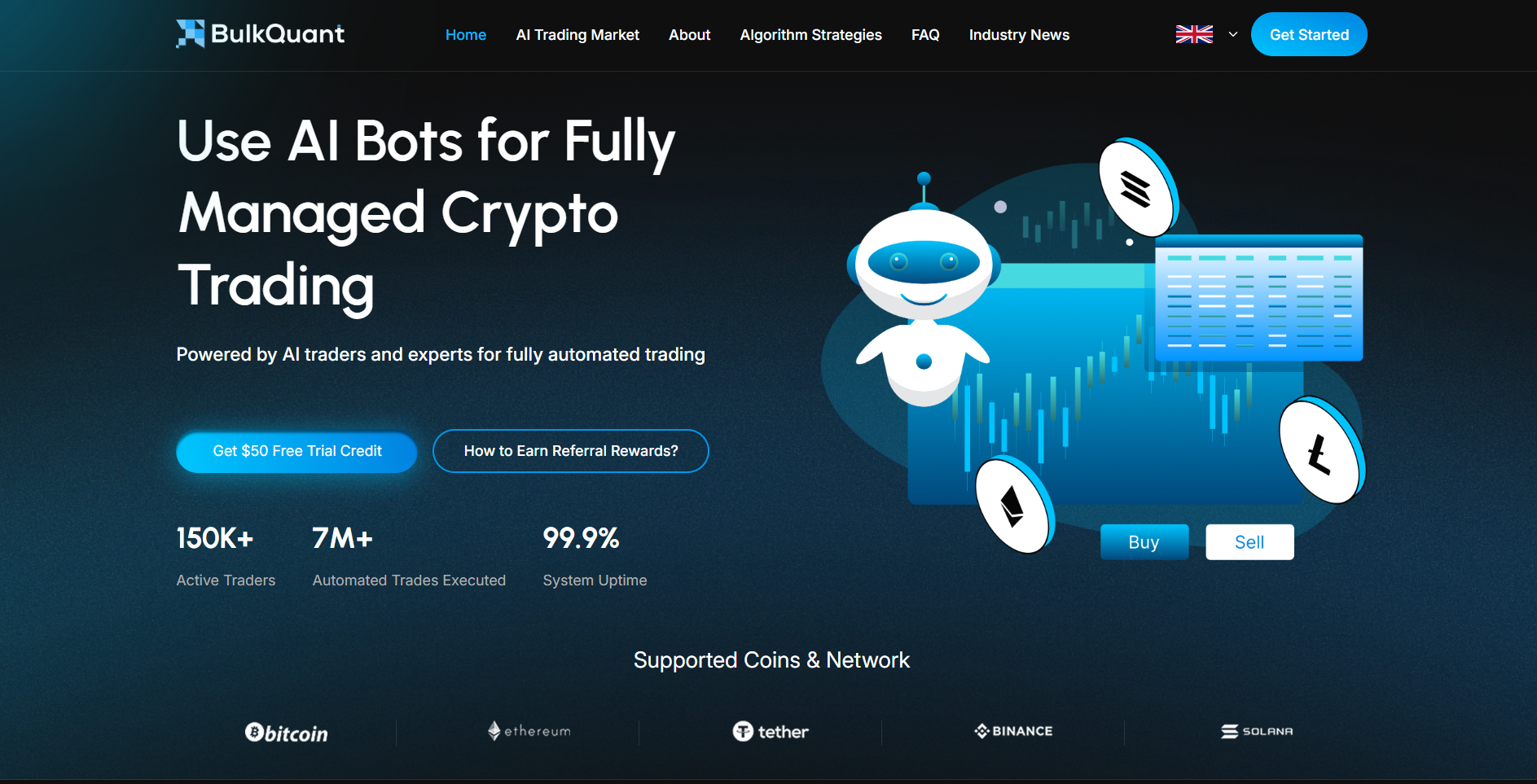
Many trading apps focus on one narrow task. Some only provide crypto grid bots. Some mainly send stock alerts. Others require users to create strategy logic from scratch. BulkQuant is different because it is positioned around a more guided workflow across crypto, forex, and stock markets.
For users who want to explore multiple markets from one place, BulkQuant offers a guided AI-assisted trading workflow across crypto, forex, and stocks. This makes it relevant for traders who do not want to jump between separate apps for crypto monitoring, stock automation, forex exposure, and strategy execution.
The platform may be especially useful for beginners who want a simpler entry point into trading automation. Instead of writing code or manually connecting several technical tools, users can register, open the dashboard, review supported markets, choose a strategy direction, check risk-related settings, and monitor automated activity from the platform interface.
For users comparing access levels, BulkQuant also provides AI trading automation plans and trial access. Eligible new users may receive a $10 instant reward plus $50 in free trial credit, which can help them inspect the platform workflow before making larger decisions.
A recent third-party news release also described BulkQuant’s no-code trading automation workflow as supporting AI-assisted market monitoring, automated strategy execution, risk control settings, and multi-market dashboard access. This type of reference is useful because it gives readers another source beyond the platform’s own homepage.
Why BulkQuant Fits Mobile Users in June 2026
BulkQuant fits the mobile trading theme because it works more like a guided command center than a complex bot builder.
A mobile user does not always want to adjust dozens of technical parameters from a small screen. Many users want to know:
- Which market is active?
- Which strategy workflow is running?
- What risk settings should be reviewed?
- What activity has taken place?
- Can the workflow be monitored without staying at a desktop?
BulkQuant’s value is its simplified structure. It may suit users who want AI-assisted trading support across several markets without needing deep technical setup.
Mobile Scenario
A beginner is watching crypto and stock market movement but does not want to build a bot from scratch. The user wants a dashboard that organizes strategy workflows and allows mobile monitoring.
BulkQuant may fit this type of user because it focuses on guided automation, multi-market access, and simplified platform navigation.
Strengths for Mobile Users
- Supports crypto, forex, and stock market workflows
- Suitable for users who prefer no-code automation
- Provides a guided dashboard experience
- Includes trial access for eligible new users
- Helps users monitor strategy activity from one place
- Better suited to beginners than highly technical bot frameworks
What Users Should Check
BulkQuant should not be treated as a guaranteed income tool. Users should review supported markets, plan terms, account rules, strategy settings, withdrawal conditions, and risk controls before using any automated strategy.
The strongest use case is mobile-friendly workflow management, not blind automation.
2. 3Commas
3Commas is a better-known choice for crypto traders who want to manage bots across connected exchanges.
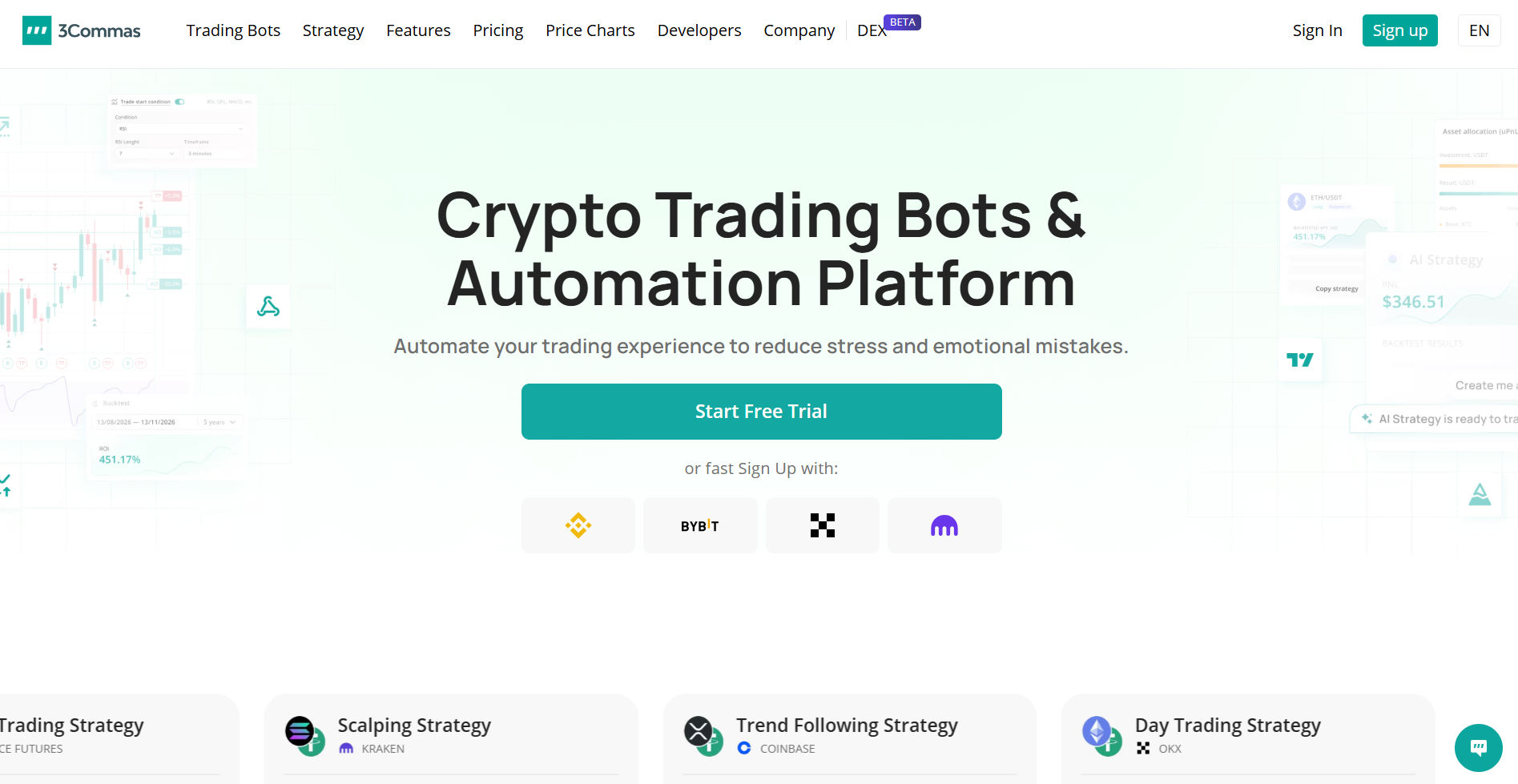
Unlike BulkQuant, which is more multi-market and guided, 3Commas is more focused on crypto exchange automation. Users can connect exchange accounts, build bots, monitor portfolios, and manage different crypto trading workflows from one environment.
For mobile users, the main appeal is control over crypto bots while away from a desktop. Through 3Commas, traders can connect exchange accounts and build automated trading bots for DCA, grid, signal-based, and exchange-connected strategies.
This matters because crypto markets do not close. A stock trader may work around market hours, but a crypto trader can see major price movement overnight, during weekends, or while traveling. A mobile app that helps users monitor bot activity and receive updates can make crypto automation easier to manage.
For readers specifically researching mobile access, the official app listing also presents 3Commas as a way to monitor crypto bots and portfolio activity on mobile, with exchange connectivity and real-time portfolio updates.
Why 3Commas Fits Mobile Users in June 2026
3Commas fits mobile users who already understand crypto exchanges and want more control over bot settings.
It is not mainly a beginner dashboard for all markets. It is more useful for users who want to configure crypto bots, connect exchanges, monitor activity, and adjust automation when conditions change.
For traders who use exchanges such as Binance, Coinbase, Kraken, OKX, or similar platforms, 3Commas can work as a central crypto automation layer.
Mobile Scenario
A crypto trader has more than one exchange account and wants to manage automated strategies from a phone. The trader wants to check bot performance, receive alerts, monitor positions, and adjust settings without opening several exchange apps.
3Commas may fit this user because it provides crypto bot control and exchange-connected automation in one environment.
Strengths for Mobile Users
- Supports crypto bot management
- Allows exchange account connections
- Offers DCA and grid bot workflows
- Provides portfolio and bot monitoring
- Useful for 24/7 crypto markets
- Suitable for users who want more bot configuration options
What Users Should Check
The biggest mobile risk with crypto bot platforms is account permission. Users should be careful with exchange API keys and avoid granting unnecessary withdrawal permissions.
Before using live funds, traders should test bot settings, review exchange connections, understand fees, and confirm that the bot’s behavior matches their intended strategy.
3Commas can be useful, but it is better for users who are willing to understand bot configuration rather than simply turn on automation and hope for results.
3. TrendSpider
TrendSpider is not a traditional mobile trading bot app in the same way as 3Commas. It is better described as an automated market analysis and alert platform for traders who want smarter research from their phone.
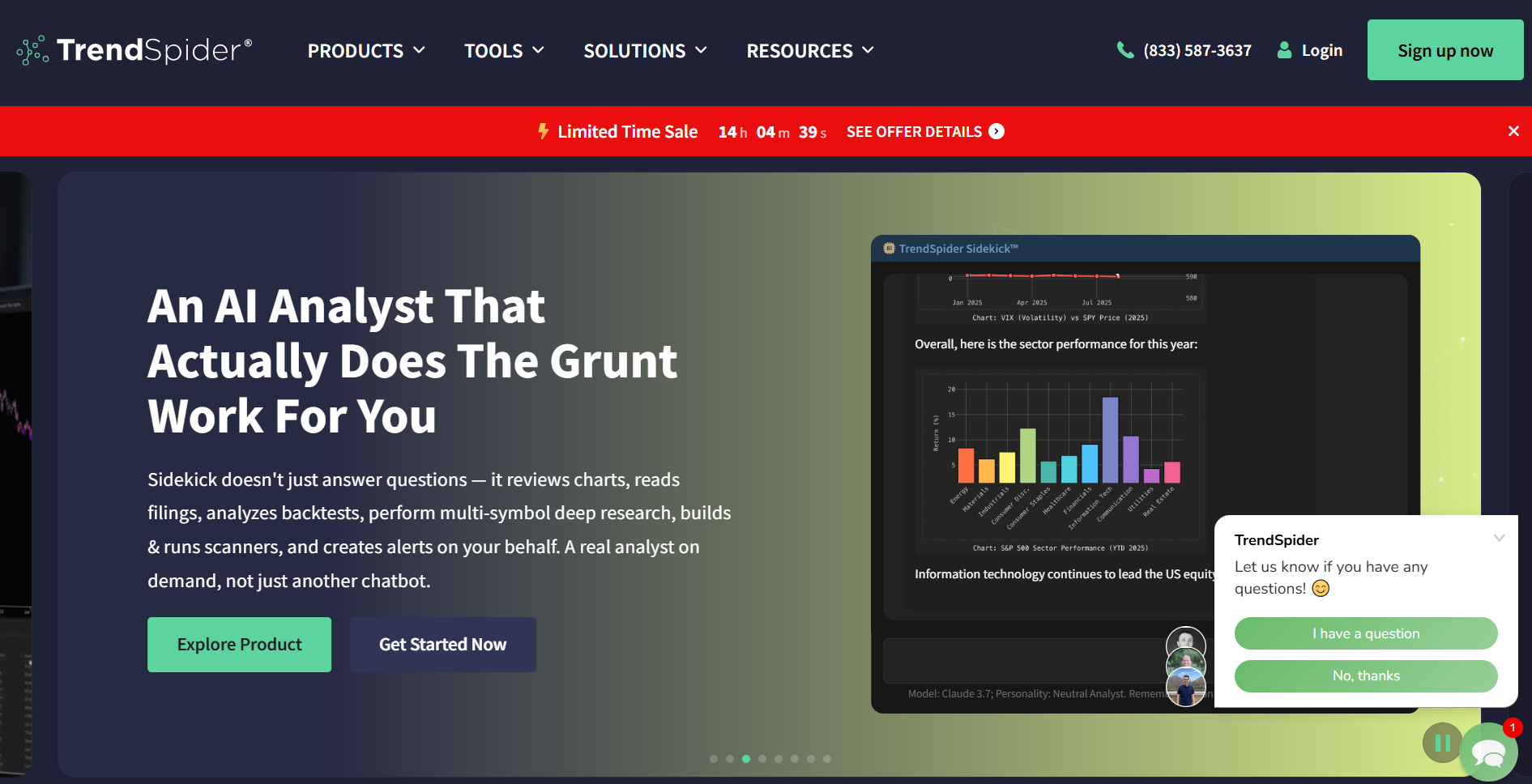
The platform offers mobile chart alerts and automated market research for users who want to scan markets, review charts, test strategies, and receive technical alerts. It can support traders watching stocks, ETFs, crypto, forex, futures, and other market data.
TrendSpider is useful because not every mobile trader wants a bot to place trades automatically. Many traders want a tool that watches charts, sends alerts, identifies technical changes, and helps them decide when to act.
For users who want to confirm the mobile angle, the official Google Play listing describes TrendSpider Mobile as a way to access professional-grade trading and market research tools on the go, including real-time trading alerts and alternative data from a phone.
This makes TrendSpider especially relevant for traders who still want control over trade execution. Instead of outsourcing every action to a bot, they can automate parts of the research process.
Why TrendSpider Fits Mobile Users in June 2026
June 2026 is a market environment where traders are watching many signals at once: AI-related stocks, crypto price action, interest-rate expectations, earnings reactions, and fast-moving technical setups.
A mobile user cannot manually watch every chart throughout the day. TrendSpider helps by automating parts of market analysis, especially for users who rely on technical setups, price levels, alerts, and strategy testing.
It is not the simplest app for a beginner who only wants a basic bot. But for active traders, it can be more valuable than a simple signal app because it supports deeper research.
Mobile Scenario
A trader wants to receive alerts when a stock, ETF, or crypto asset reaches a technical level. The trader does not want a bot to trade automatically but wants faster mobile awareness when market conditions change.
TrendSpider may fit this user because it focuses on chart automation, alerts, and research rather than simple one-click trading.
Strengths for Mobile Users
- Useful for technical analysis from mobile
- Supports dynamic alerts and market scanning
- Helps traders monitor multiple asset classes
- Stronger for research automation than simple bot execution
- Suitable for stock, ETF, crypto, forex, and futures watchers
- Good for traders who want to keep final decision control
What Users Should Check
TrendSpider may be too research-heavy for users who only want a simple crypto bot. It is better suited to traders who understand charts, alerts, and technical conditions.
Users should also remember that alerts are not trading instructions. A signal can help identify a possible setup, but risk management, position sizing, and trade decisions still belong to the trader.
How to Choose Between BulkQuant, 3Commas, and TrendSpider
These three platforms are not identical, and that is the point. Mobile users should choose based on the problem they actually want to solve.
Choose BulkQuant if:
You want a guided AI-assisted trading workflow across crypto, forex, and stock markets. BulkQuant may fit users who prefer a simplified dashboard, multi-market access, and no-code automation support.
Choose 3Commas if:
You mainly trade crypto and want more control over exchange-connected bots. 3Commas may fit users who understand crypto exchanges, bot settings, DCA strategies, grid trading, and API permissions.
Choose TrendSpider if:
You want mobile alerts, automated technical analysis, and research support before making your own trading decisions. TrendSpider may fit users who trade stocks, crypto, ETFs, forex, or futures and want to automate market monitoring rather than fully automate execution.
Mobile Safety Checklist for AI Trading Bot Apps
Mobile trading is convenient, but convenience can create risk. A user may react too quickly, approve settings without reading them, or download the wrong app from an unofficial source.
Before using any AI trading bot app in June 2026, mobile users should check:
- Is the app or platform accessed through the official website?
- Does the platform explain how automation works?
- Can the user pause or stop activity quickly?
- Are risk settings clear before activation?
- Are exchange API permissions limited?
- Is two-factor authentication enabled?
- Are there visible logs for bot activity or strategy actions?
- Are the platform’s claims realistic?
- Does the app avoid guaranteed income promises?
A responsible mobile setup should feel boring and controlled. Strong passwords, two-factor authentication, small test amounts, official links, and limited permissions are more important than flashy profit claims.
Final Thoughts
AI trading bot apps are becoming more useful for mobile users in 2026, but the best app depends on the user’s trading style.
BulkQuant may suit users who want a guided AI-assisted workflow across crypto, forex, and stock markets. 3Commas may suit crypto traders who want to manage bots across connected exchanges. TrendSpider may suit traders who want automated analysis, chart alerts, and mobile research support before making their own decisions.
The biggest mistake is treating mobile automation as a shortcut. A trading bot app should help users monitor, organize, and control their workflow. It should not replace risk management or independent judgment.
For mobile users in June 2026, the right AI trading bot app is the one that is clear enough to understand, flexible enough to manage, and easy enough to stop when market conditions change.
FAQ
What is the best AI trading bot app for mobile users in June 2026?
There is no single best app for every user. BulkQuant may suit beginners who want AI-assisted multi-market automation. 3Commas may suit crypto traders who want bot management across connected exchanges. TrendSpider may suit traders who want chart alerts and automated market analysis.
Is BulkQuant suitable for mobile trading?
BulkQuant may be suitable for users who want to monitor AI-assisted trading workflows across crypto, forex, and stock markets from a simplified dashboard. It is especially relevant for users who prefer no-code automation and guided strategy execution.
Is 3Commas only for crypto trading?
3Commas is mainly focused on crypto trading automation. It is commonly used for exchange-connected bots, DCA strategies, grid bots, and portfolio monitoring across supported crypto exchanges.
Is TrendSpider a trading bot app?
TrendSpider is better described as an automated market analysis and alert platform. It can help users scan markets, create alerts, analyze charts, and test strategies, but it is not simply a one-click crypto bot app.
Are AI trading bot apps safe?
AI trading bot apps can be useful, but they also carry risk. Users should review platform reputation, account permissions, API access, risk controls, pricing, and whether the app makes unrealistic income claims. No trading bot can remove market risk.
What should mobile users check before using a crypto bot app?
Mobile users should check whether the app is official, whether two-factor authentication is enabled, whether API withdrawal permissions are disabled, whether activity logs are visible, and whether the bot can be paused quickly from mobile.


